Background removal samples
Every sample below was made with KillBG: the original photo on the left, the cut-out on the right. Drag the slider on the homepage to compare, or try the tool yourself — free, unlimited, no watermark, up to 1024 px on the longest side.
Download a real example: original, transparent and white
This is the biggest size the free tier can make: 1024 px on the longest side, no watermark. Download all three files — the original photo, the transparent PNG and the white-background version — and check the transparency yourself: place the PNG on any colour and the background should show through.

Original photo
Download original (JPG)
Transparent PNG
Download transparent PNG
White background
Download white version (PNG)Products
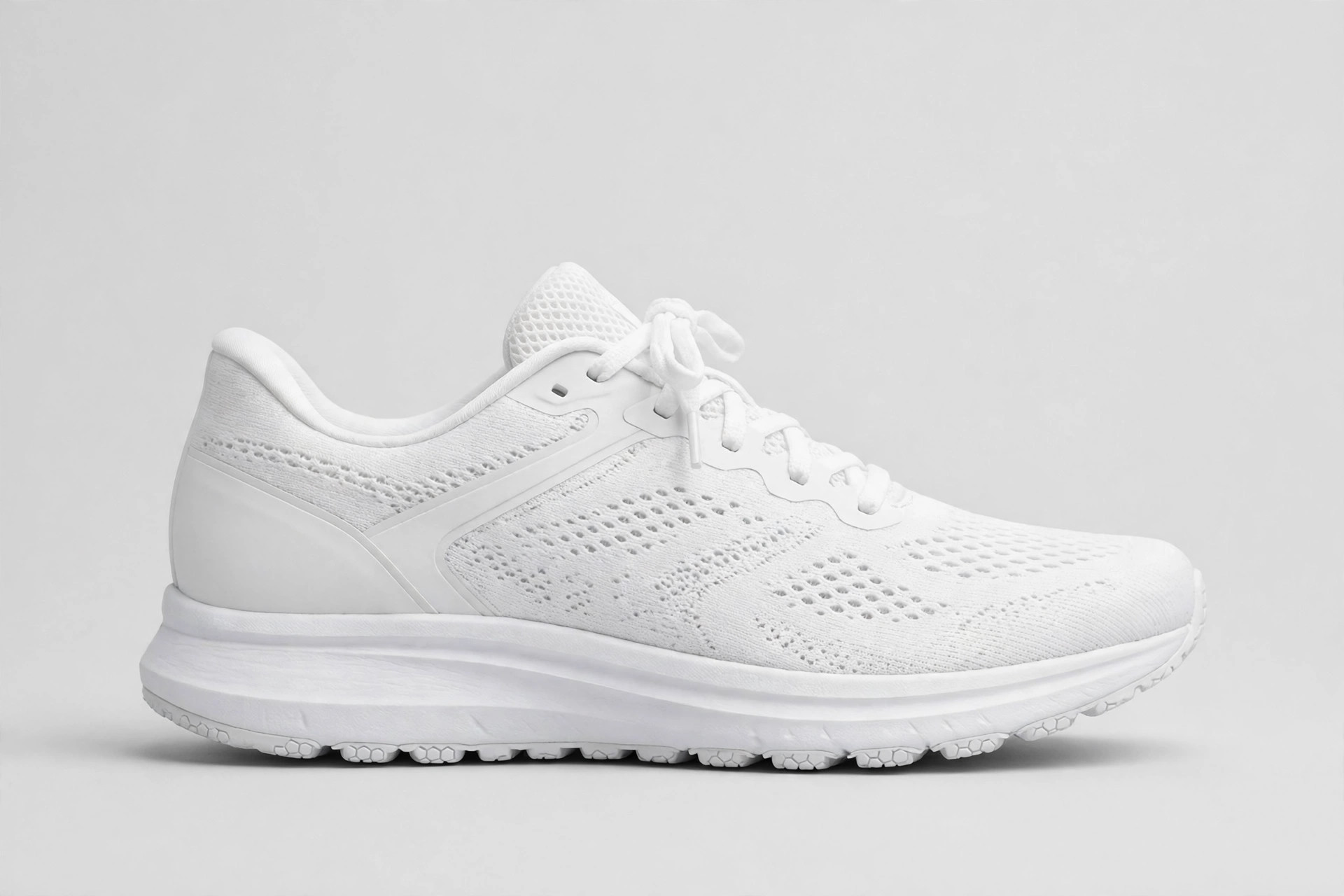
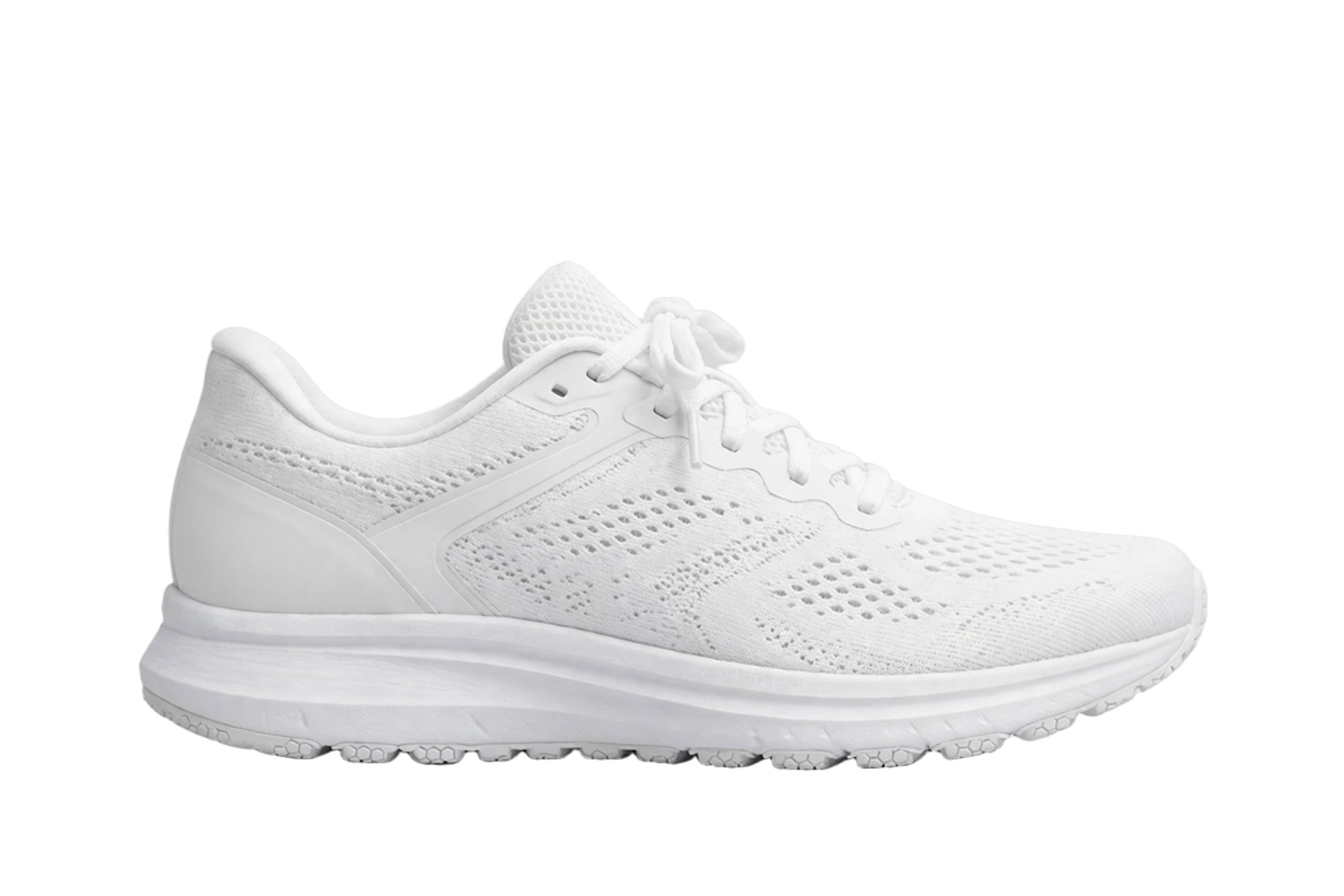
Product photo — a sneaker cut out for a listing, ready for any background.
Download transparent PNG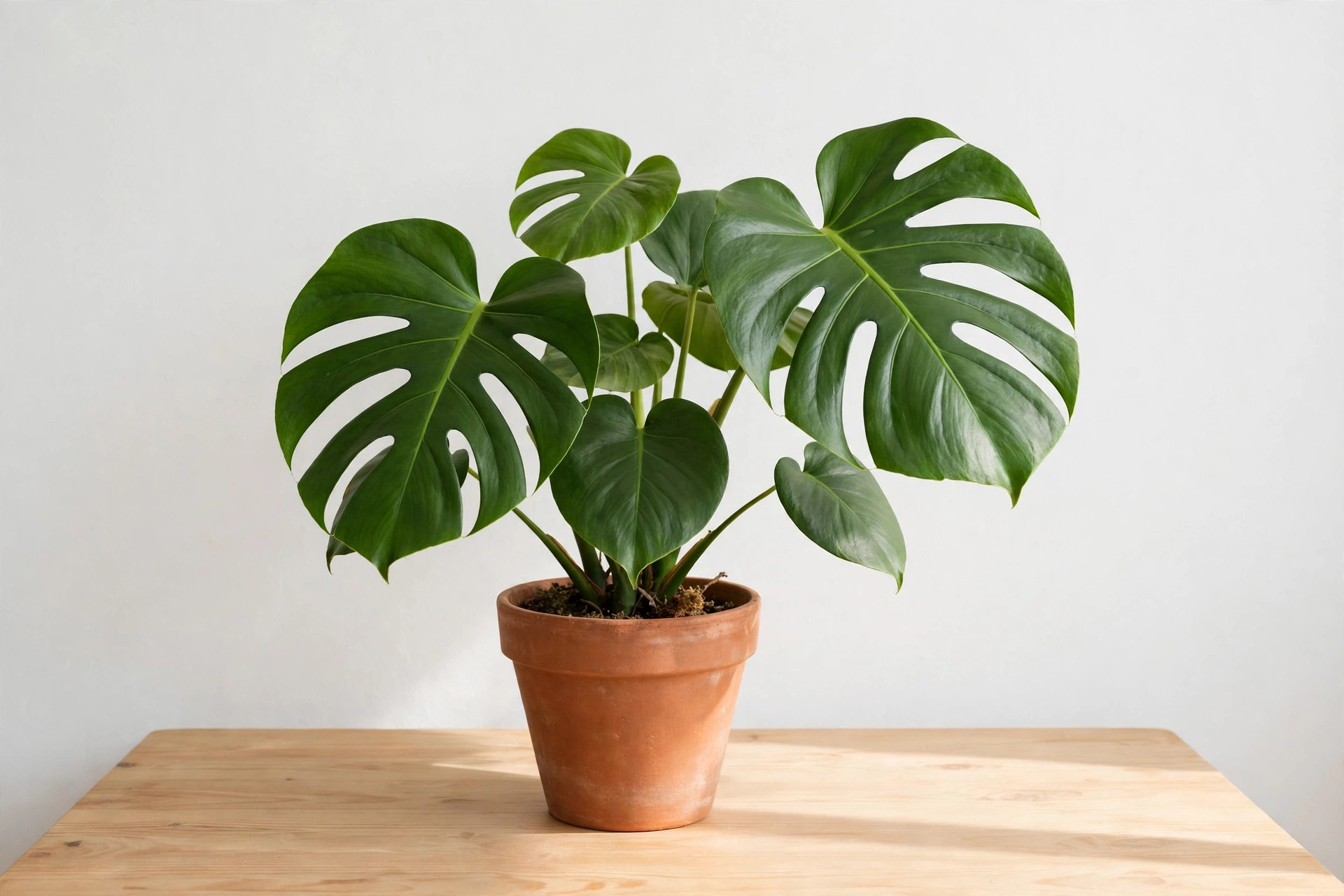
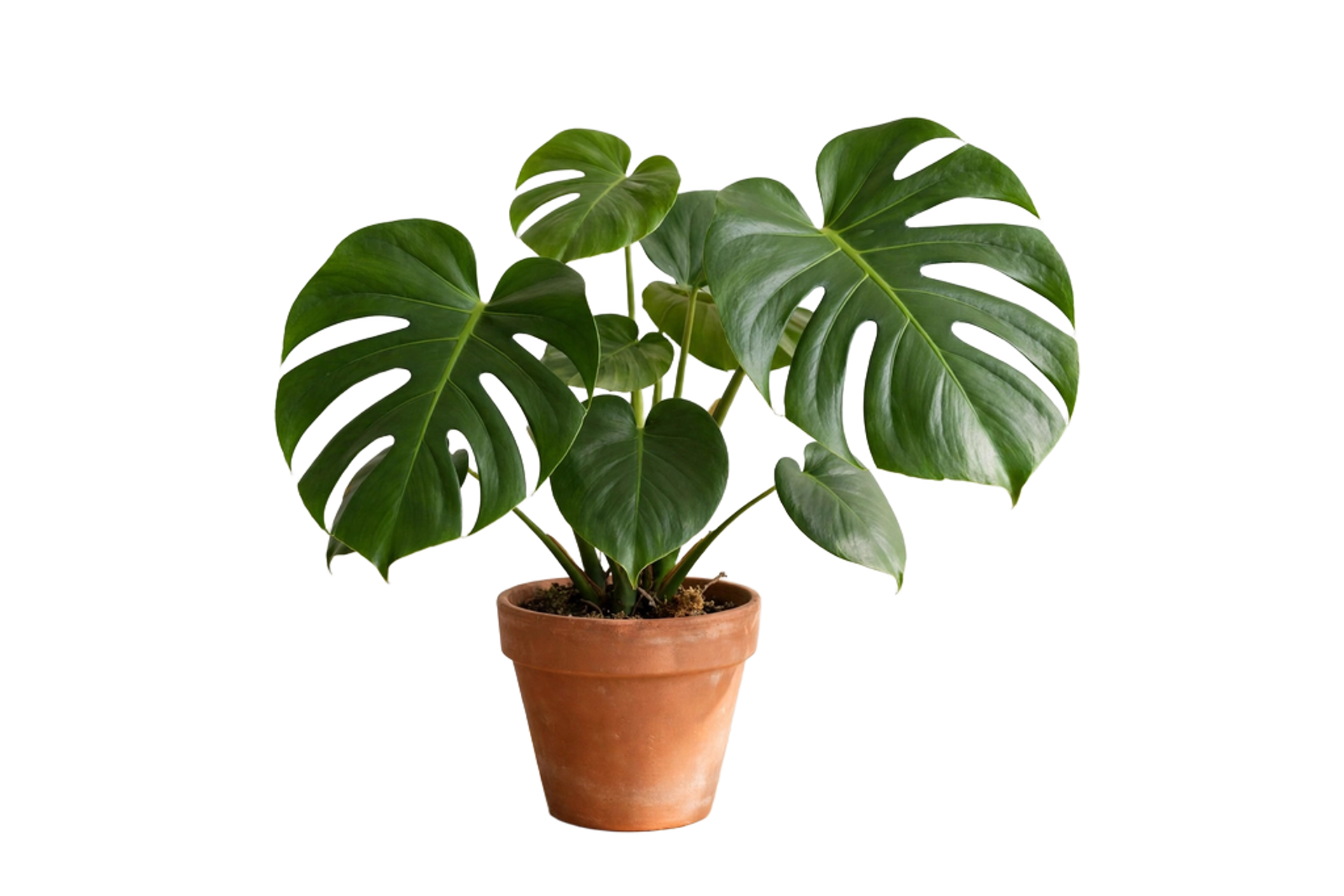
A plant with detailed leaves — the cut-out keeps the leaf shapes intact.
Download transparent PNGPeople


Headshot — the subject cut out cleanly for a profile or a slide.
Download transparent PNGLogos


A coffee logo cut out — one transparent PNG for light and dark headers alike.
Download transparent PNGAnimals
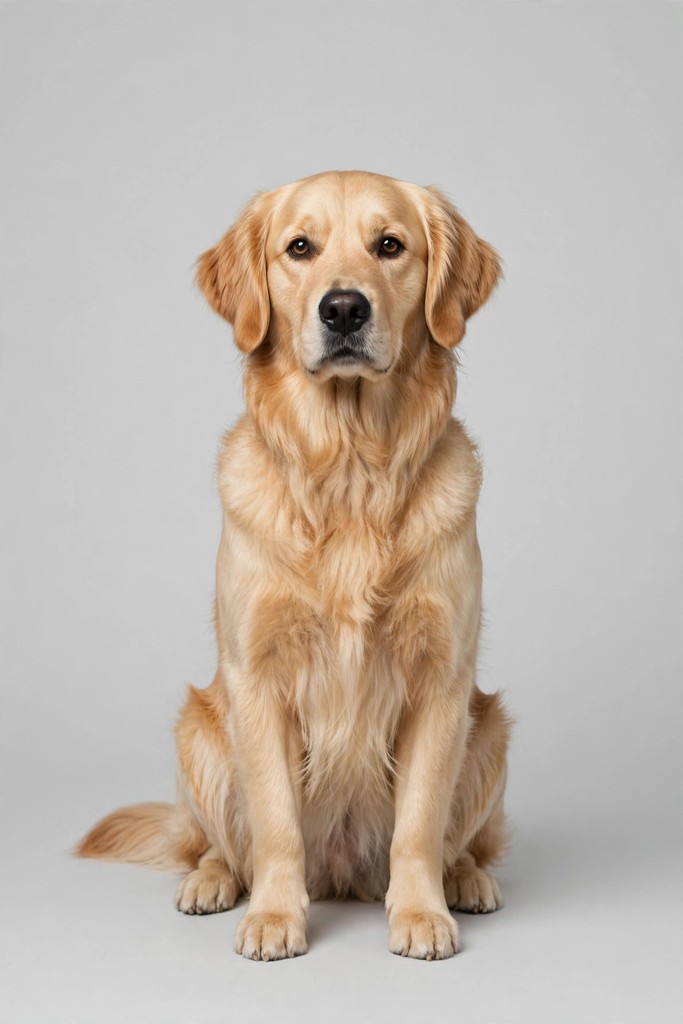
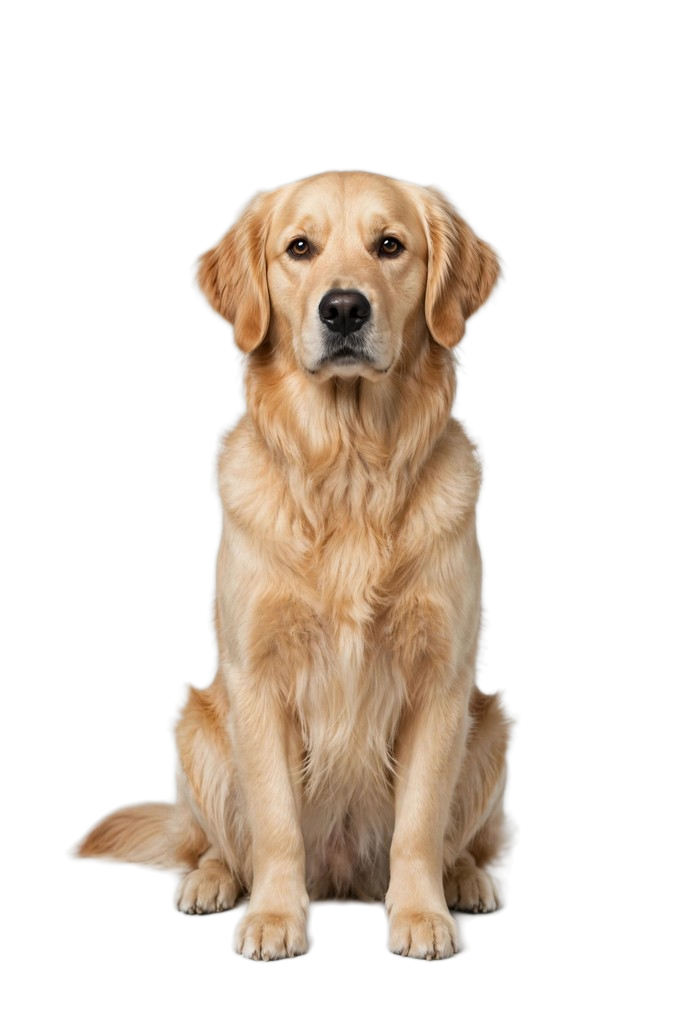
A golden retriever with fur edges kept — the cut-out works for pet photos too.
Download transparent PNGTry it on your own photos
Pick a tool — every one of them starts with the same free remover in your browser.
- Transparent PNG Maker – Free PNG, No Sign-Up
- Make Background Transparent – Free Online
- Bulk Background Remover – 10 Images at Once
- Make Background White – Free Online, No Sign-Up
- Make Image Transparent – Transparent Image Maker
- Transparent Background PNG – Free
- Remove White Background – Free
- Transparent Logo Maker – Free